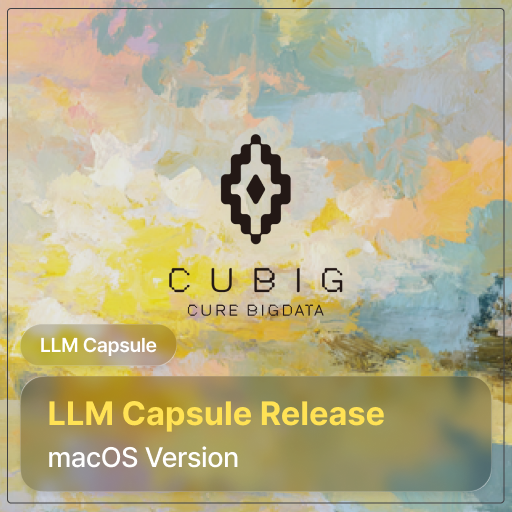
Launching LLM Capsule for macOS: using generative AI at work while staying compliant with privacy regulations
Table of Contents
Hello, this is CUBIG, dedicated to helping organizations adopt AI safely. 😎
Many teams would love to use tools like ChatGPT or Claude on their work laptops, including MacBooks, but hesitate because of concerns about data leakage and privacy regulations. Until now, LLM Capsule has mainly been used in web and Windows environments. With our latest update, LLM Capsule is now available on macOS as well, so teams can protect sensitive data and still get the most out of generative AI. 🥳
In this article, we will walk through what LLM Capsule does, why it matters from a privacy and compliance perspective, and how it changes the way you use AI at work.
🌏 Why privacy regulations matter when using generative AI

Documents you create at work, customer inquiries, internal plans, meeting notes – they almost always contain some form of personal or sensitive information: names, phone numbers, organization names, contract details and so on.
If you paste these directly into public LLMs like ChatGPT, Claude or Gemini, several risks appear:
• Internal documents, trade secrets and personal data inside your prompt are sent to a third-party provider’s servers, often overseas.
• It is difficult for individual users to fully understand how that data may be transmitted, stored or used for model improvement.
• Depending on your region and industry, this may be considered a violation of privacy laws or internal AI guidelines.
Regulators around the world are not saying “never use AI.” Instead, they are moving toward: “You may use AI if you have proper safeguards in place.”
So, the real question for organizations is not “Are public LLMs forbidden?”
The better question is:
“How can we use generative AI at work while still complying with privacy and data protection requirements?”
🧩 One-line definition of LLM Capsule – not blocking AI, but making it safe to use
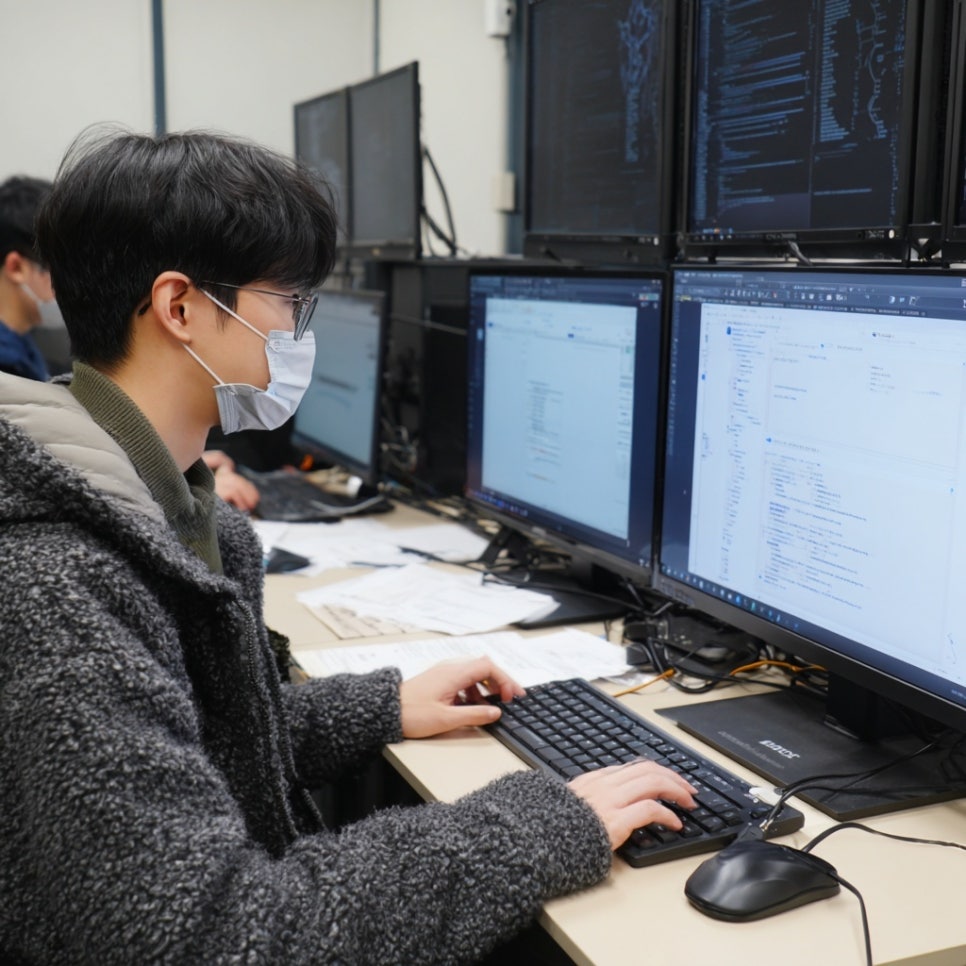
LLM Capsule is an AI gateway that allows enterprises and public organizations to use external LLMs (such as ChatGPT, Claude or Gemini) in a safe and compliant way, without constantly worrying about regulatory risk.
Before any text is sent from the user to an external LLM, LLM Capsule runs locally (on macOS, Windows or on-prem environments) to detect and transform personal and sensitive data. The original data never leaves your environment.
In practice, LLM Capsule works as:
• An AI gateway that sits in front of external LLMs and filters sensitive information in prompts
• A system that automatically detects sensitive and regulated data (customizable by organization or industry)
• A “capsule” engine that encrypts, pseudonymizes or tokenizes data so that the LLM keeps the context but never sees the raw identifiers
• A convenience layer that restores the original values only on the user’s screen when the AI response comes back
Because of this design, LLM Capsule is not a tool that blocks AI.
It is infrastructure that makes it possible to allow AI usage safely.
📜 Why LLM Capsule matters for privacy and compliance teams
From the perspective of legal, security and IT operations teams who are responsible for actually enforcing privacy regulations, the main value of LLM Capsule is less about “fancy technology” and more about providing a solid legal and policy foundation.
- Protection at the prompt layer
Since sensitive data is transformed before any prompt leaves the organization, you can build architectures where original personal information never reaches external LLM providers’ servers in the first place.
- Support for DPIA and internal policy design
LLM Capsule provides policy, audit and logging capabilities that help prepare for Data Protection Impact Assessments (DPIA) required under regulations such as GDPR and local privacy laws. Instead of saying “We let employees use ChatGPT with no safeguards,” you can explain, “We use external LLMs under the protection layer of LLM Capsule.”
- Centralized usage history in the Admin console
Administrators can see:
• which prompts contained which categories of sensitive data,
• which rules were applied and how they were transformed,
• which LLMs were called and what responses were returned.
All of this is organized into a traceable audit chain.
- Designed for regulated and isolated environments
In sectors like government, finance and healthcare, there is strong demand for using external LLMs even in environments with network separation or strict controls. In these cases, local processing and on-prem support are essential.
LLM Capsule follows a “Zero Cloud Dependency” design for sensitive data: everything is processed locally before it leaves your environment, so the solution can be deployed in highly regulated settings.
👩💻 How different teams can use LLM Capsule in their daily work

For end users, nothing special is required.
They continue to paste content into ChatGPT, Claude or Gemini as usual. LLM Capsule quietly detects and encapsulates personal data in between.
Here are a few example scenarios:
- Summarizing customer and citizen records with AI
Customer service logs, complaint tickets and VOC notes often contain names, phone numbers and even partial ID or account numbers.
With LLM Capsule, you can copy these records into an LLM to categorize issues, find common patterns or generate summaries. Before the prompt is sent, LLM Capsule encapsulates sensitive elements like names, phone numbers and account details.
The LLM learns patterns such as “which type of customer is likely to ask which kind of question” – but the actual customer identities remain on the user’s machine only.
- Organizing meeting notes and strategy documents
Executive meetings, internal strategy decks and partner discussions typically include confidential business information.
Using LLM Capsule, you can paste entire documents into an LLM, ask for summaries, action items or email drafts, and still keep sensitive elements protected. Real names, company names and project code names are converted into capsule tokens before they are sent to the LLM, and only restored for the authorized user.
- Letting AI read policies and regulations first
Privacy laws, internal security policies and industry-specific compliance guidelines are often too long for teams to digest manually.
Within an LLM Capsule environment, you can upload the full text of these documents and ask, “Summarize the parts that are most important for our company,” or “Explain what our marketing team must pay attention to.”
Operational teams get the key points quickly, while legal and compliance teams can reduce the risk of accidental disclosure of sensitive content.
✨ What organizations feel immediately after adopting LLM Capsule

The key question around AI adoption is shifting.
It is no longer just about “Can we install this in a specific network architecture or closed environment?”
The real question is:
“What safeguards do we put in place so that we can safely introduce AI into our workflows?”
Once LLM Capsule is in place, organizations typically notice three major changes.
First, practitioners can finally use AI with peace of mind.
People who work with reports, meeting notes and customer interactions can paste documents that include personal information, ask the LLM to summarize, analyze or draft content, and rely on LLM Capsule to encapsulate sensitive data first. Regardless of operating system or device, users can keep using familiar interfaces while significantly reducing the risk of violating privacy regulations.
Second, security, legal and IT teams gain a new option: “permitted AI usage.”
They can define which data categories are allowed to leave the organization and under what conditions, all anchored on LLM Capsule. They can manage logs and audit trails in one place. Even if the organization later switches to a different LLM provider, existing policies and governance models remain intact, making the long-term LLM strategy more stable.
Third, organizations can unify standards across mixed environments.
Most companies already operate a mix of Windows PCs, MacBooks and virtual desktops. LLM Capsule adds a common protection layer across these diverse environments so that users enjoy consistent policies and experiences wherever they access LLMs.
The new macOS version further extends this unified experience to teams that work primarily on Mac devices.
Closing thoughts
For practitioners, LLM Capsule becomes a workspace where they can “use AI freely, but safely.”
For security, compliance and IT leaders, it becomes infrastructure that helps them respect privacy regulations while raising the overall level of AI adoption across the organization.
With the latest macOS update, LLM Capsule can now support virtually all devices that your teams use at work. Step by step, you can build an environment where generative AI boosts productivity without compromising privacy.
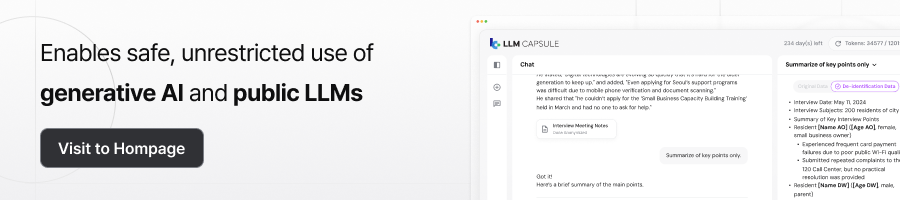
If you are curious how LLM Capsule could fit into your organization, which datasets to start with or which workflows to prioritize, feel free to reach out through the banner below for a consultation. 😊
CUBIG's Service Line



Recommended Posts